Deadlock II: Shrine Wars
OpenDeadlock is Deadlock 2 rebuilt from its own code: the same game, native on Windows, macOS, Linux and Android, in HD, with a modern interface, network play that works, and the original's bugs fixed.
Other systems and what each needs
Windows 64-bit Windows 32-bit macOS (Apple silicon) Linux x86_64 Linux arm64 Android (in testing)
Bring your own copy of Deadlock 2 from GOG or Steam: the first start copies the game's files from its folder, or straight from GOG's installer.
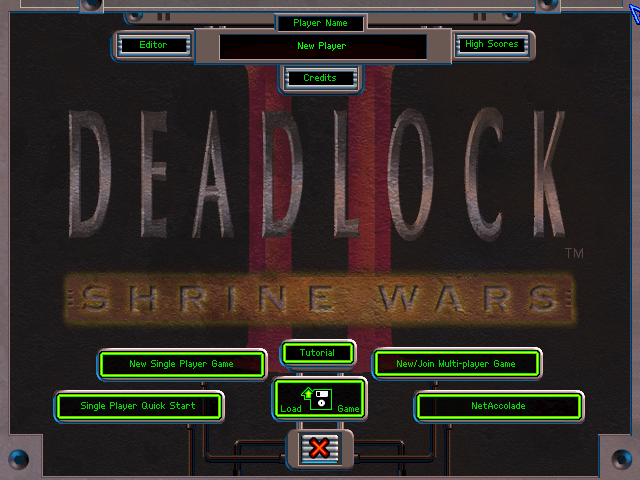
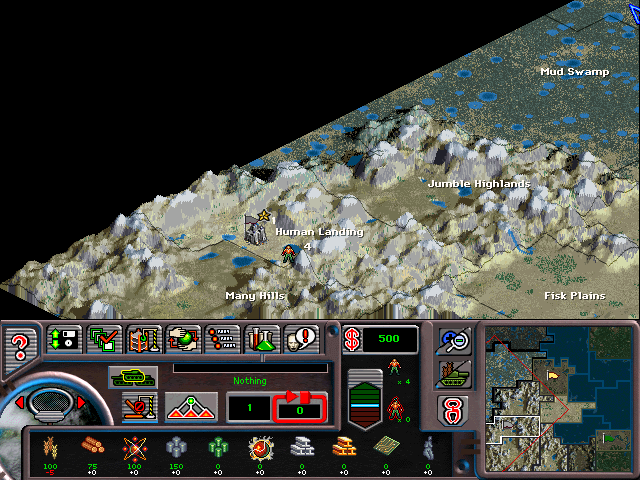
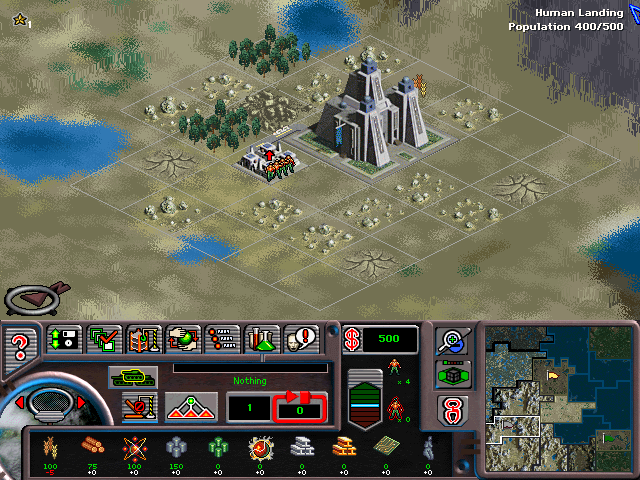
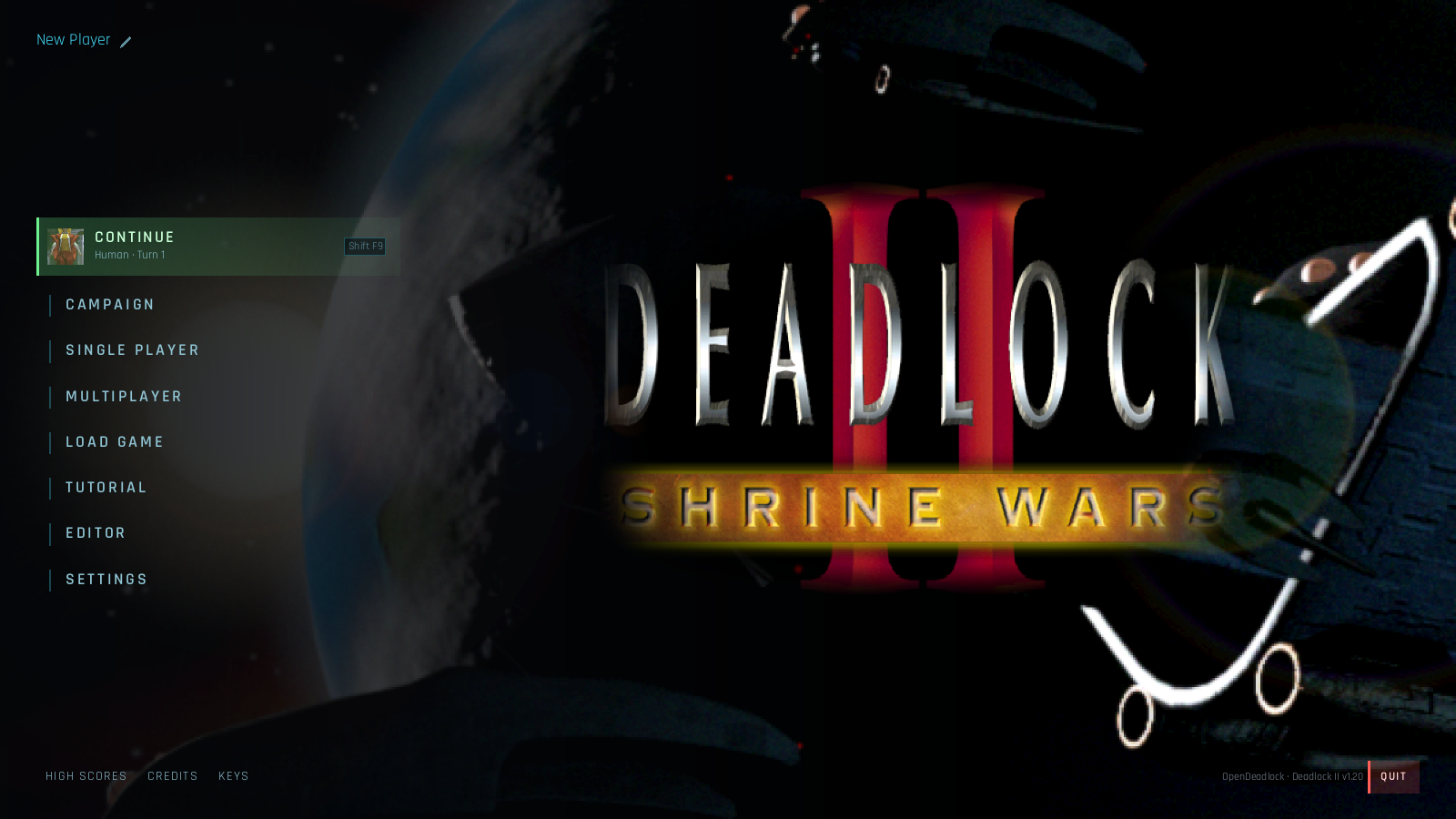
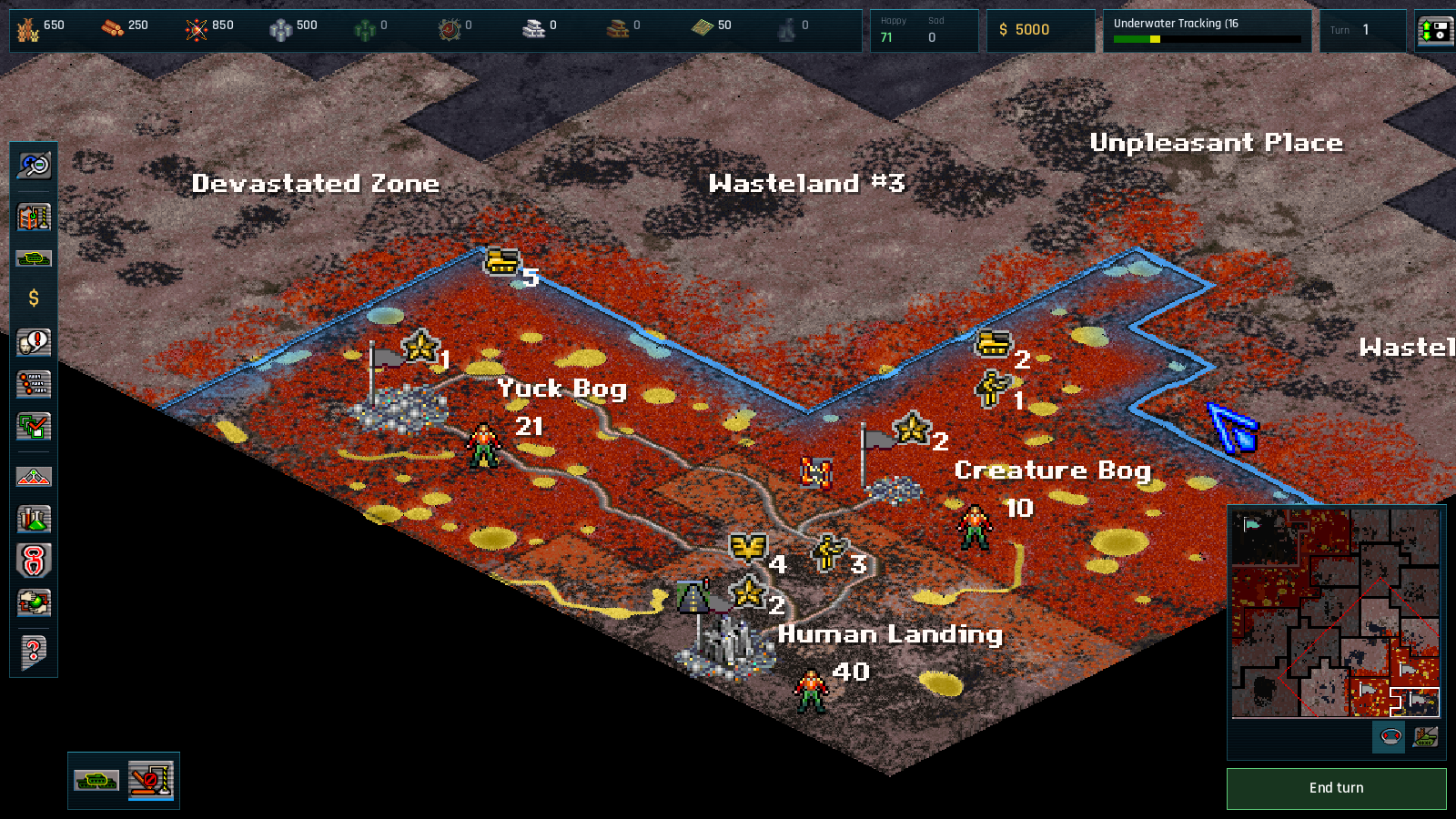
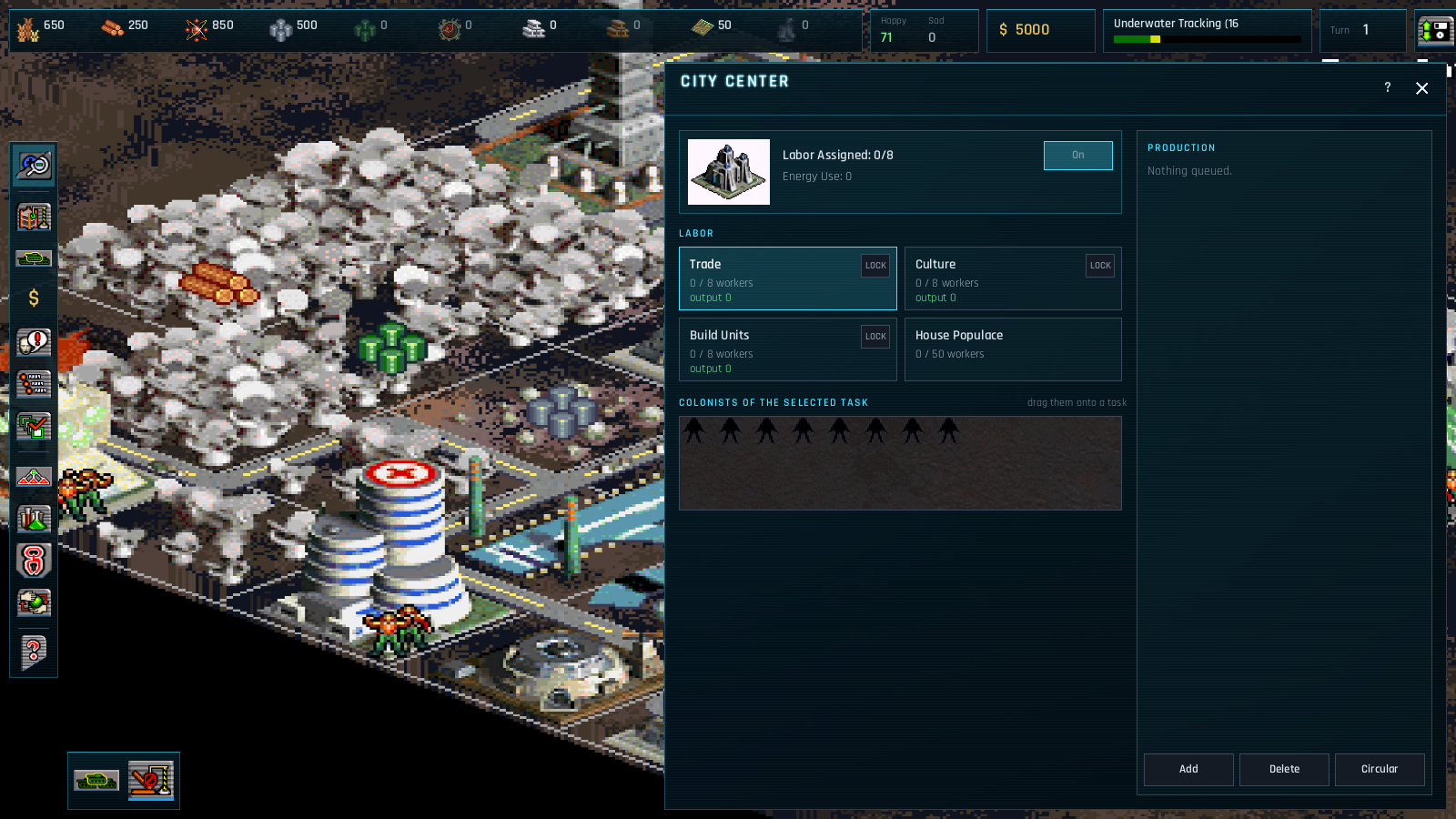
The same screens in the original's interface and in the modern one; you choose at the first start, and can switch in Settings.
Any window size or full screen, sharp at today's resolutions. A lit HD terrain and a 3D world map that zooms, its seas moving and its floods shown.
A second interface at the window's real size, panels over the live map. Every control of the original, under its own name.
Played by touch on a tablet. Tried on the emulator so far.
Network play over TCP/IP: Windows and Mac players in one game. Join by a code or from the public list, no port to open.
Several players at one computer, taking turns. A screen hides each player's empire from the next.
The original's rules and balance, without its bugs. Each fix is listed with what changed.
Quick save, Continue, more autosaves, shortcuts, clearer messages. None changes a rule.
The original's save format, on every build. Deadlock 2 itself is never changed.
xattr -dr com.apple.quarantine . in OpenDeadlock's
folder once first. Linux has no folder dialog: put OpenDeadlock's files in the Deadlock 2
folder itself, put GOG's installer in OpenDeadlock's folder, or name either as
gamedir= in opendeadlock.ini.More in the README: building from source, settings, network play and reporting a bug.
 OpenDeadlock